
In our previous article, we explored the deep configuration options of FSLogix to optimize user profile management. We covered how to set up containers, handle Office data, and tune performance for a snappy user experience.
But configuration is only half the battle. The other half is Resilience.
If your file server goes down, your VDI environment stops—regardless of how perfectly your GPOs are configured.
In this guide, we are taking the architecture to the next level. We will explore how to build a fully redundant, High Availability (HA) VDI foundation on Oracle Cloud Infrastructure (OCI) by combining Windows Server Failover Clusters (WSFC), FSLogix, and Thinfinity Workspace.
The Core Problem: Single Points of Failure
In a standard VDI deployment, user profiles (stored as VHDX files) live on a file server. If that server patches, reboots, or crashes, every active user freezes or disconnects.
To solve this on OCI, we don’t just need a backup; we need Failover Clustering.
By using Windows Server Failover Clustering (WSFC), we group multiple OCI compute instances into a single logical storage entity. If Node A fails, Node B takes over the disk handles instantly, often without the user noticing.
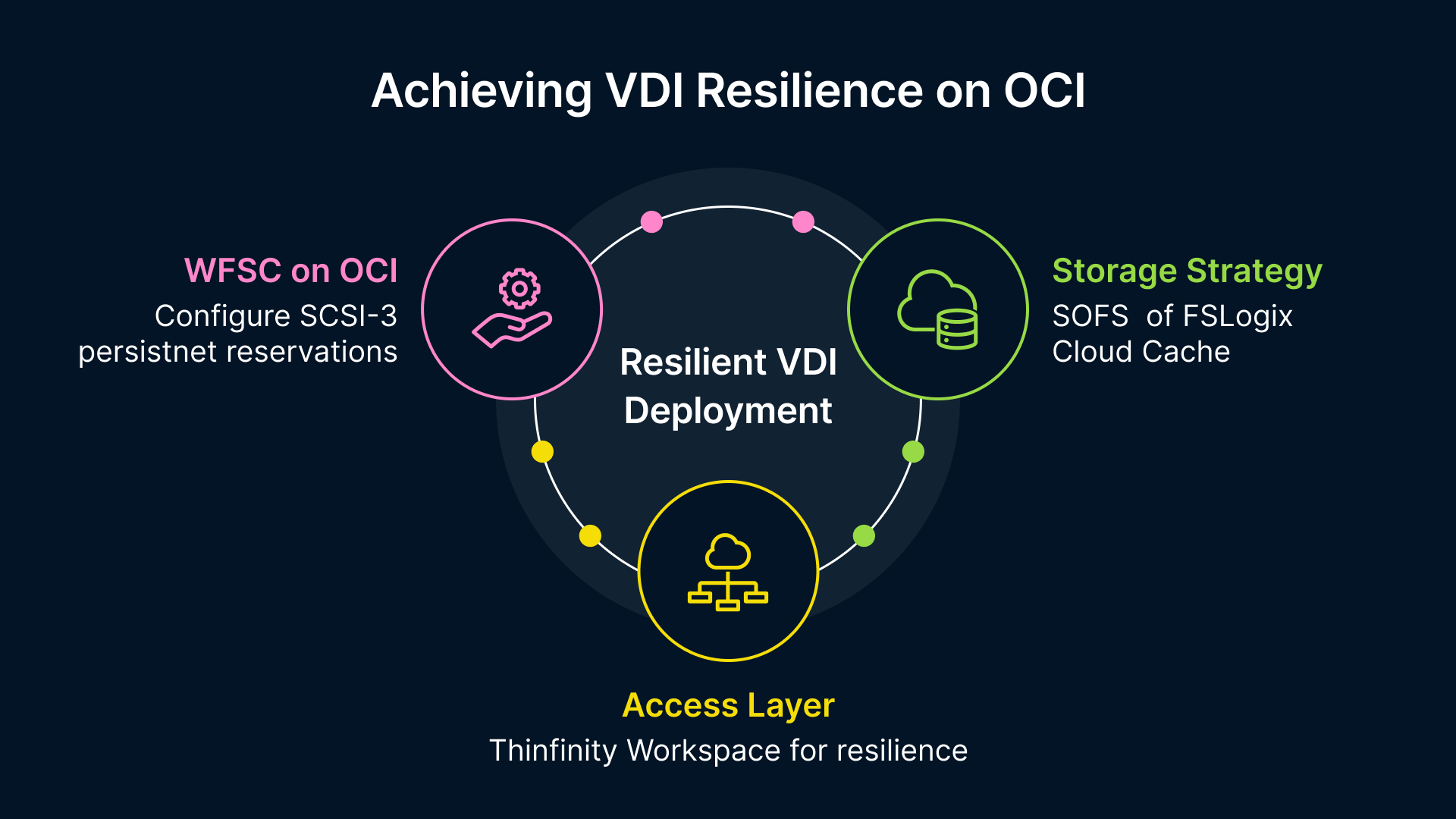
Step 1: The Foundation (WSFC on OCI)
Running a Windows Cluster on top of a virtualized environment like OCI requires specific storage configurations to allow multiple servers to “talk” to the same disk safely.
The “SCSI-3” Requirement
This is the most critical technical hurdle. For a cluster to function, the shared storage must support SCSI-3 Persistent Reservations. This allows the cluster nodes to coordinate who “owns” the disk at any given millisecond.
Critical OCI Configuration: When attaching Block Volumes to your OCI Windows instances for clustering:
- Multipath Support: You must configure /etc/multipath/conf.d/scsi3-reservation.conf on the underlying hosts (if managing bare metal) or ensure your OCI Block Volume attachment type supports shared access.
- Direct LUNs: Use iSCSI or paravirtualized attachments that support the “Shareable” attribute.
Step 2: The Storage Strategy (SOFS vs. Cloud Cache)
Once the cluster is up, how do you serve the FSLogix profiles? You have two primary architecture choices.
Option A: Scale-Out File Server (SOFS)
Unlike a standard file server, a Scale-Out File Server (SOFS) allows active-active access to the same shared folder from all nodes in the cluster simultaneously.
- Best for: High bandwidth, low latency environments within a single Availability Domain.
- Mechanism: Uses CSV (Cluster Shared Volumes). FSLogix points to the Cluster Name, not a specific server IP.
Option B: FSLogix Cloud Cache (The “Gold Standard”)
If you need resilience across different OCI Availability Domains (ADs) or even different Regions, SOFS isn’t enough. You need Cloud Cache.
Cloud Cache changes the game by creating a local cache on the VDI Session Host itself.
- Reads: Occur from the local cache (Lightning fast).
- Writes: Are flushed asynchronously to multiple backend locations (e.g., File Server A in AD-1 and File Server B in AD-2).
If File Server A dies, FSLogix simply keeps writing to File Server B. The user never disconnects.
Step 3: The Access Layer (Thinfinity Workspace)
With a resilient backend, you need a resilient front end. Thinfinity Workspace ties this architecture together.
While FSLogix keeps the data alive, Thinfinity keeps the session accessible.
- Browser-Based: No complex agents or VPNs to manage.
- Zero Trust: Thinfinity acts as the gatekeeper. Even if the underlying storage is complex, the user simply sees a login portal.
- Session Resilience: If a backend network blip occurs, Thinfinity’s reconnection logic works in tandem with FSLogix Cloud Cache to recover the session state automatically.
Why This Combination Stands Out
Integrating OCI, Microsoft Clustering, and Thinfinity offers distinct advantages over proprietary “Black Box” VDI solutions.
Compared to Azure Virtual Desktop (AVD) Native
- Storage Flexibility: AVD pushes you toward Azure Files or NetApp Files (which can be expensive). On OCI, you can build your own high-performance SOFS cluster using standard Block Storage for a fraction of the cost.
- Protocol Control: Thinfinity allows you to use standard H.264/HTML5 delivery without being locked into the RDP-over-HTTPS constraints of the AVD client.
Compared to On-Premise VMware Horizon
- No “Cluster in a Box” Limits: On-prem clusters are limited by hardware. On OCI, if your FSLogix storage needs more IOPS, you simply dial up the Block Volume performance slider dynamically.
- Simplified Networking: OCI’s VCN (Virtual Cloud Network) handles the complexity of private subnets and RoCE (RDMA over Converged Ethernet) for storage traffic, which is difficult to engineer physically.
Real-World Use Cases
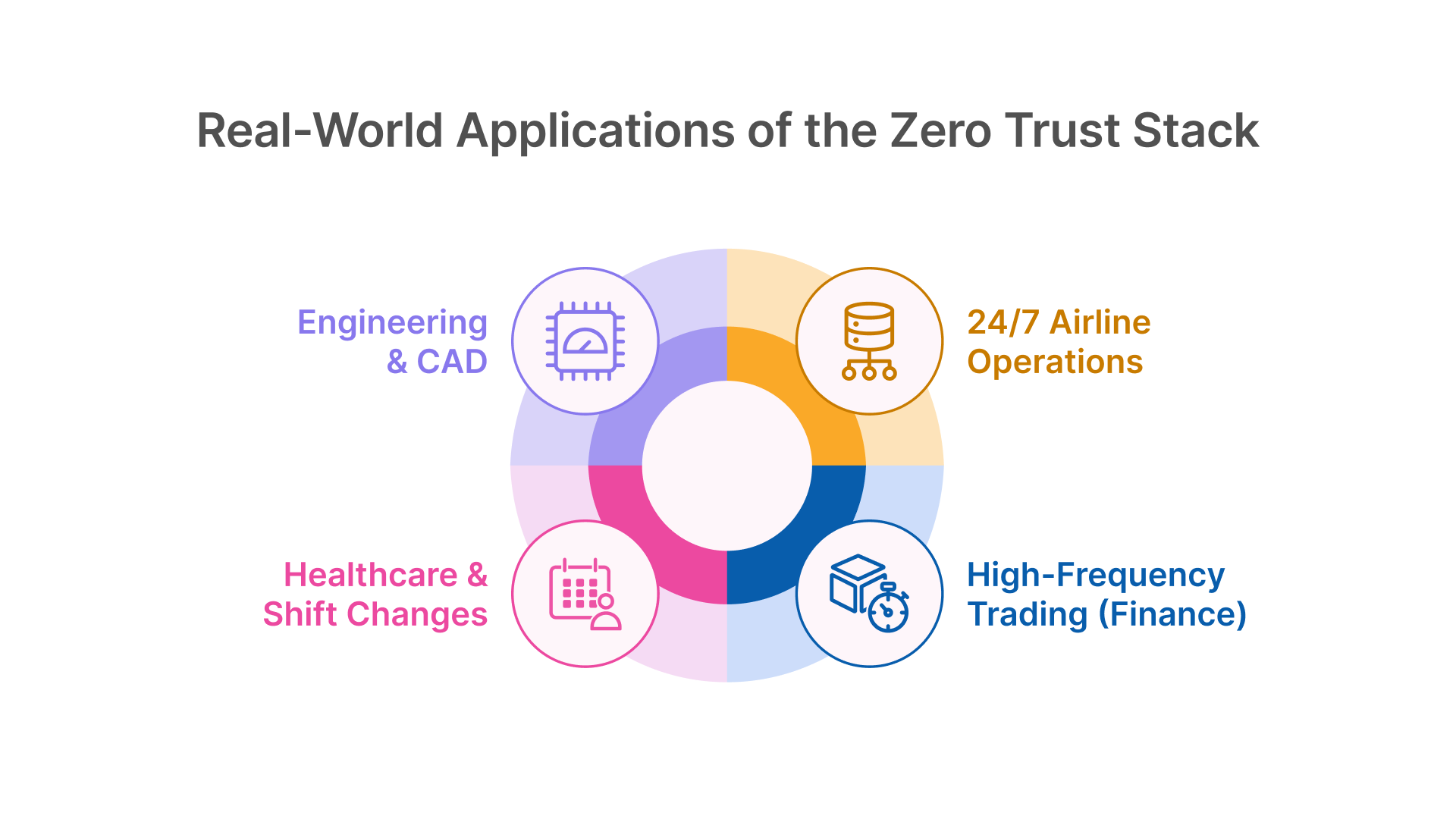
Who actually builds this level of infrastructure?
- ✈️ 24/7 Airline Operations: For global carriers, downtime translates directly to grounded flights and lost revenue. Whether it’s crew scheduling or gate agent terminals, the system must be available around the clock. By leveraging WSFC on OCI, airlines ensure that backend storage maintenance never interrupts critical flight operations.
- 📈 High-Frequency Trading (Finance): Traders cannot tolerate the “please wait” spinner. By using OCI’s high-IOPS block storage with a Windows Cluster, financial firms achieve local-disk responsiveness while maintaining the centralized compliance and management they require.
- 🏗️ Engineering & CAD: Profiles for AutoCAD or Revit users are massive (often gigabytes in size). FSLogix Cloud Cache allows these heavy profiles to load instantly from a local SSD cache on the session host, while slowly syncing data to the HA cluster in the background without freezing the user’s screen.
- 🏥 Healthcare & Shift Changes: A hospital shift change involves thousands of staff logging in within a 10-minute window. A single file server would likely crash under this “Login Storm.” A Scale-Out File Server (SOFS) cluster spreads this intense I/O load across multiple nodes, ensuring Electronic Health Records (EHR) remain accessible when seconds count.
Deployment Best Practices Checklist
To ensure this stack survives a disaster, follow these rules:
- Antivirus Exclusions are Mandatory: You must exclude *.vhd and *.vhdx files and the %ProgramData%\FSLogix folder from scanning. If AV scans a mounted profile, the session will hang.
- Calculate IOPS Correctly: Plan for 10 IOPS per user (steady state) and 50 IOPS per user (login burst). A 1,000-user cluster needs storage capable of 50,000 IOPS bursts.
- Use Private Subnets: Your WSFC and FSLogix storage should never have public IPs. Use Thinfinity Gateway to bridge external users to these internal resources securely.
- Tweak Retry Logic: If using SOFS, update the FSLogix registry ReAttachRetryCount. The default is often too low for a full cluster failover; increase it to 60 seconds to allow the IP address to migrate between nodes without killing the session.