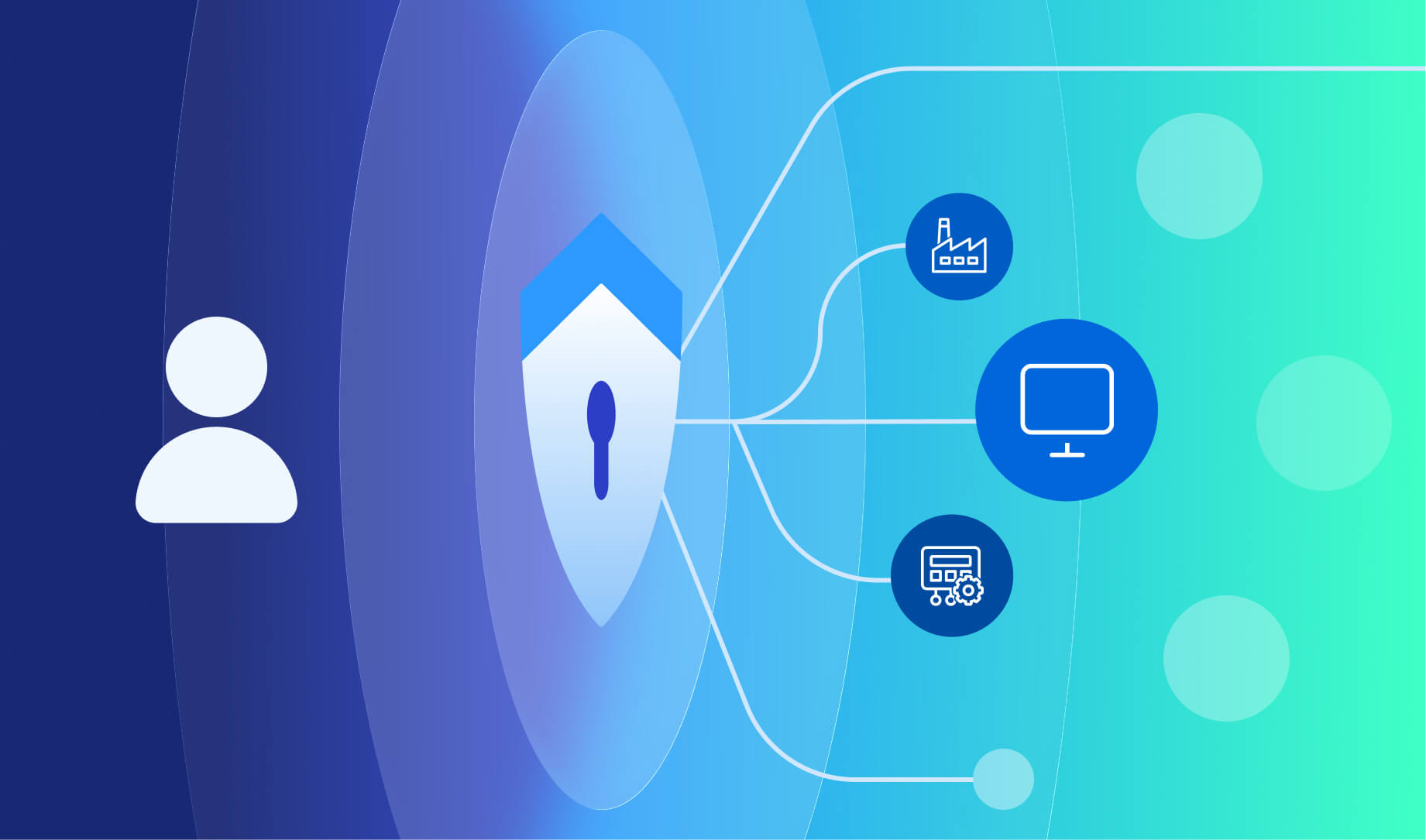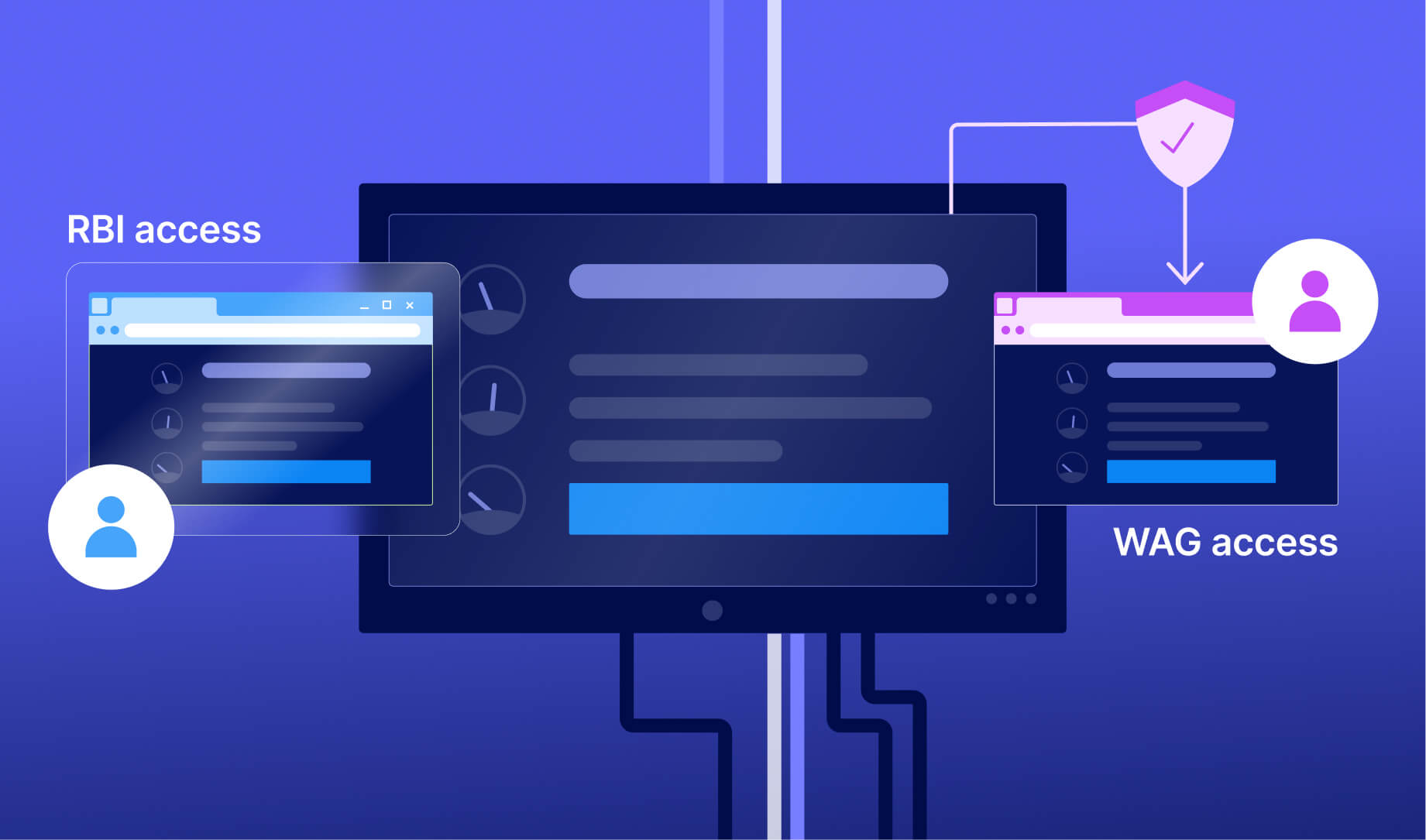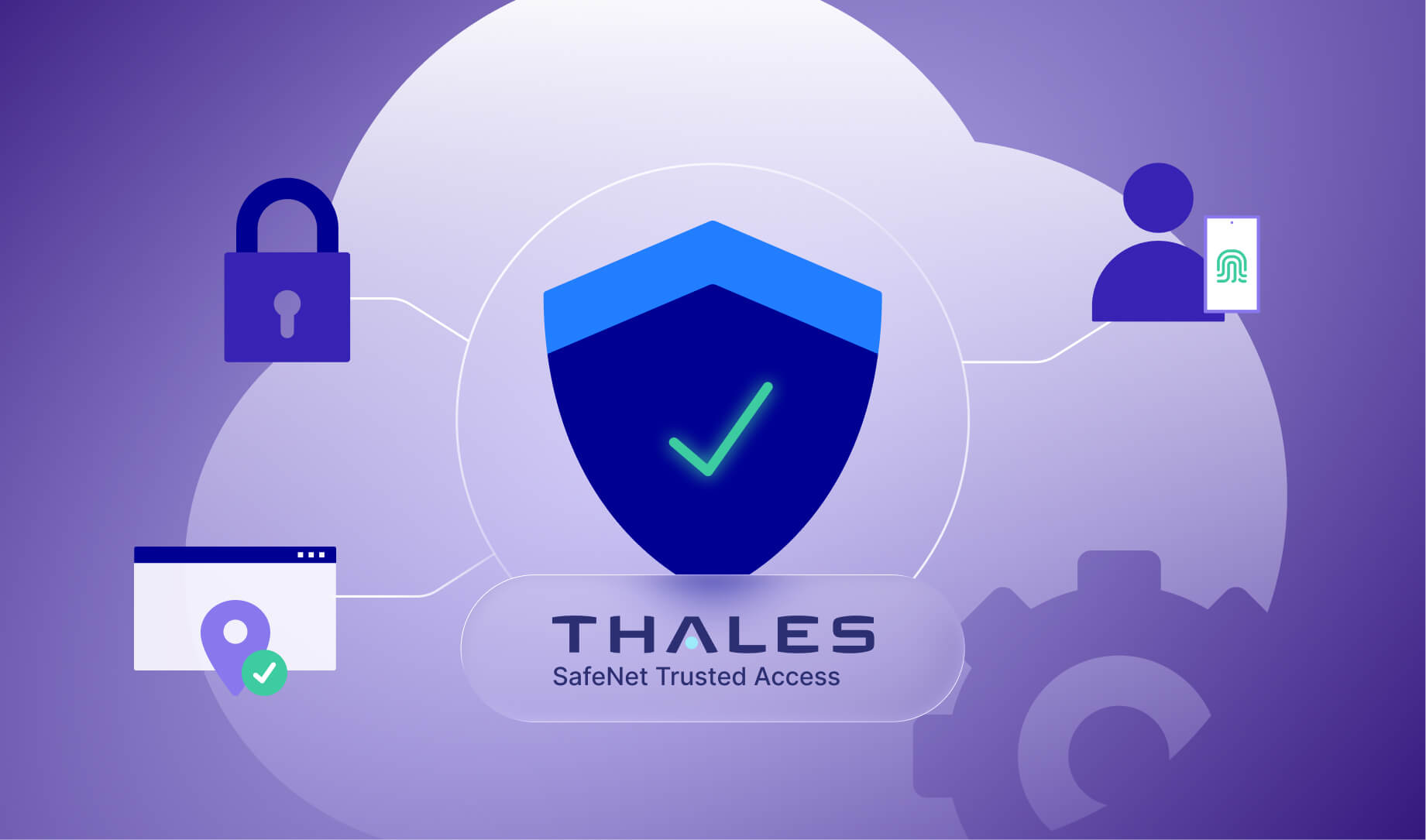

In the world of modern cloud infrastructure, the “network perimeter” is a relic of the past. You can no longer assume that because a user is “inside” the network (or on the VPN), they are safe.
Today, Identity is the new firewall.
When deploying Thinfinity Workspace on Oracle Cloud Infrastructure (OCI), security isn’t just about locking the virtual door; it’s about verifying exactly who is holding the key.
This is where Thales SafeNet Trusted Access (STA) comes in. By combining Thinfinity’s browser-based VDI with Thales’s robust Multi-Factor Authentication (MFA), you create a Zero Trust environment that is compliant, secure, and incredibly user-friendly.
In this post, we’ll explore how this “Power Trio” (Thinfinity + OCI + Thales) works together to secure your remote workforce.
The “Power Trio” Explained
Before we look at the flow, let’s define the roles. This architecture works because each component does exactly what it is best at:
- Thinfinity Workspace: The Vehicle. It delivers the desktop, applications, and data to the user’s browser via HTML5.
- Oracle Cloud (OCI): The Road. It provides the high-performance infrastructure, Load Balancing, and global backbone.
- Thales STA: The License Check. It acts as the Identity Provider (IdP), verifying the user is who they say they are before they ever get the keys to the vehicle.
The Architecture: How It Fits Together
When you integrate STA, you move the authentication responsibility away from the Thinfinity Gateway and up to the cloud-based Identity Provider.
Here is the high-level traffic flow:
The Breakdown:
- OCI Load Balancer: The first point of contact. It terminates SSL (port 443) and routes traffic to a healthy Thinfinity Gateway.
- Thinfinity Gateway: Acts as the SAML Service Provider. It pauses the connection and says, “I don’t know you yet. Go talk to Thales”.
- Thales STA: The Identity Provider. It challenges the user (Password + MFA). If successful, it hands the user a digital “ticket” (SAML Assertion).
- Thinfinity Broker: Checks the ticket, sees it’s valid, and connects the user to their Windows 11 VDI or Linux desktop.
Visualizing the User Experience
Security often comes at the cost of usability, but this integration is seamless. Because Thinfinity and Thales speak the same language (SAML 2.0 or OIDC), the user experience is fluid.
Step 1: The Login Screen
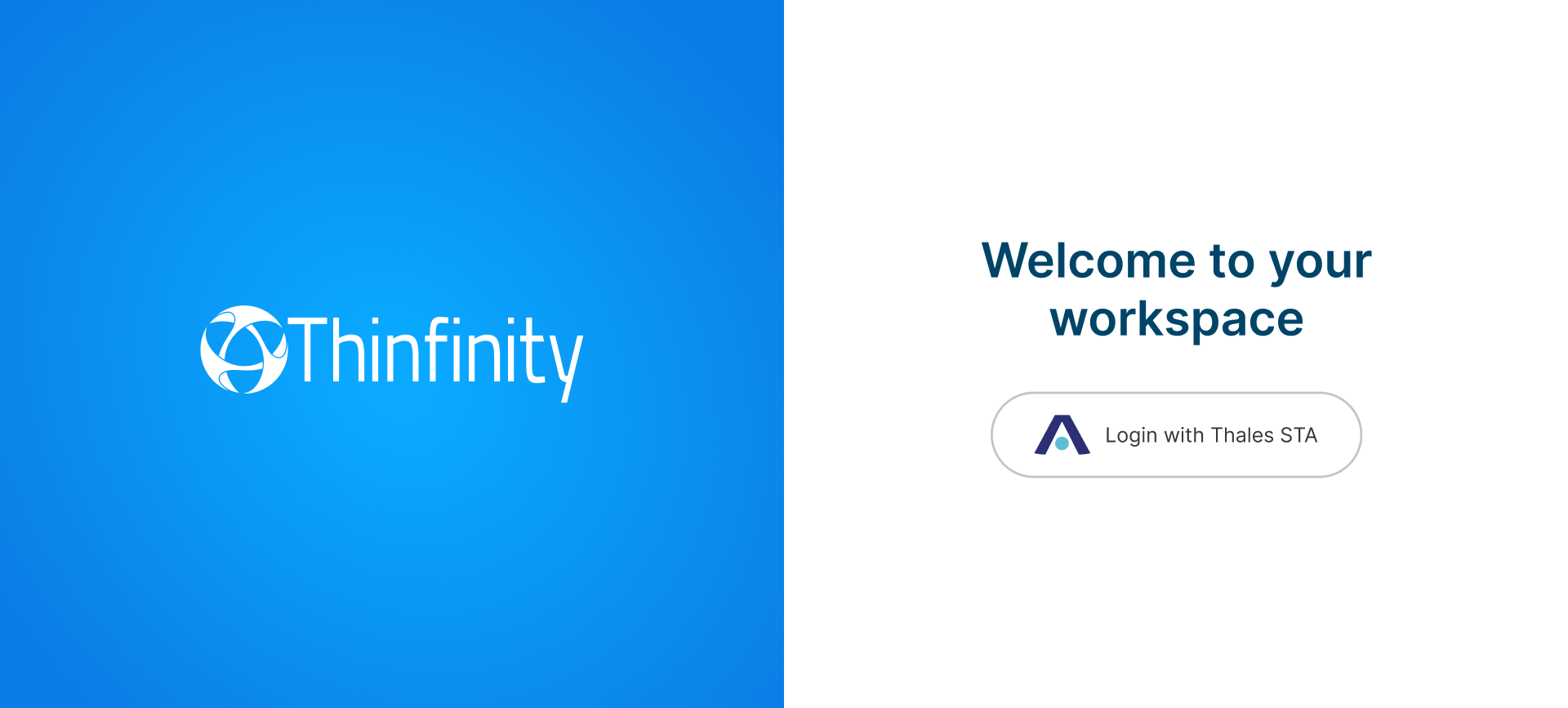
Instead of a generic username/password box, the user sees a branded login page. Because SAML is enabled, the authentication is offloaded.
Step 2: The MFA Challenge (Grid/Push)
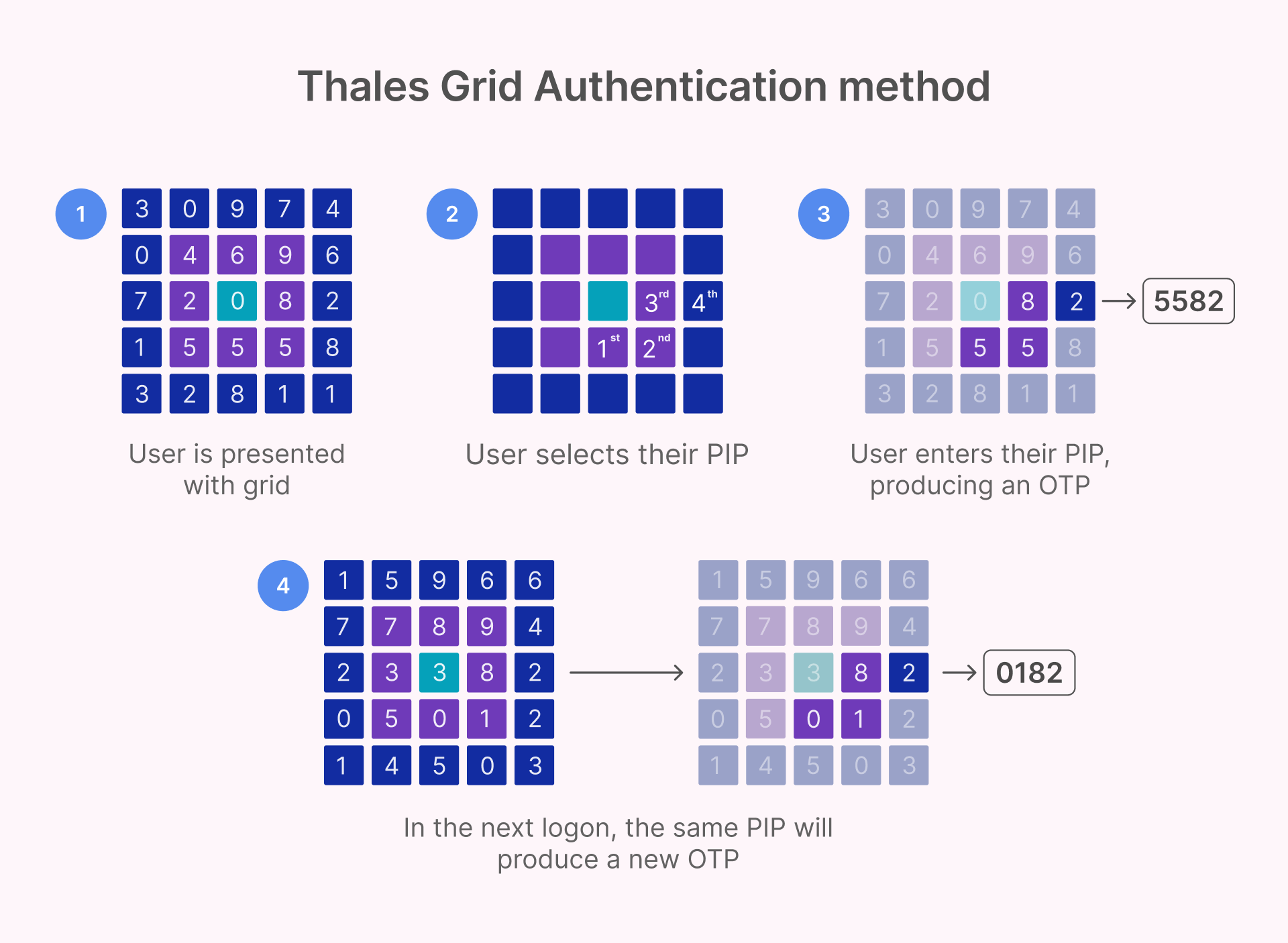
Once the user enters their credentials, Thales STA steps in. For high-security environments (like manufacturing or government) where mobile phones might be banned, Thales offers a unique Grid Authentication method.
The user looks at a physical card they carry and enters the coordinates (e.g., “B3” and “D5”). This prevents replay attacks and works without a smartphone. For standard corporate users, a simple Mobile Push notification is usually preferred.
Why This is “Zero Trust” (And Why You Need It)
Traditional VDI often relies on a VPN. Once you VPN in, you often have broad network access.
The Thinfinity + Thales model enforces Zero Trust principles:
- Verify Explicitly: Every single session is authenticated.
- Least Privilege: Thales sends “Attributes” (like Group or Role) to Thinfinity. Thinfinity uses these to show the user only the apps they are allowed to see.
- Context Aware: Thales can block access if the user is logging in from a new country, an unknown device, or at 3 AM.
Compliance Wins
This architecture ticks the boxes for major regulatory standards:
- PCI DSS 4.0: Requires MFA for all remote access.
- HIPAA: strict identity verification for patient data.
- ISO 27001: Access control and identity management.
Why This Combination Stands Out
While the “Big Three” (Citrix, VMware/Omnissa, and Microsoft) have dominated the VDI space for years, the Thinfinity + STA + OCI stack offers a compelling alternative that is leaner, more cost-effective, and cloud-agnostic.
- Compared to Citrix + NetScaler: You avoid the “NetScaler Tax.” There are no per-user ADC licensing fees, and the architecture is significantly simpler to manage. Plus, because Thinfinity is browser-native, you eliminate the headaches of managing the “Workspace App” or “Receiver” on client devices.
- Compared to VMware Horizon + UAG: Thinfinity removes the dependency on heavy protocols like PCoIP. It is pure HTML5, resulting in a lighter infrastructure footprint that is optimized specifically for OCI’s network backbone.
- Compared to Microsoft AVD + Entra ID: You gain multi-cloud flexibility. You aren’t locked into Azure, giving you greater control over your costs. Additionally, Thinfinity offers more granular application publishing capabilities compared to the standard AVD toolset.
Real-World Use Cases
This architecture isn’t just theoretical; it solves specific pain points for industries with high compliance and operational demands.
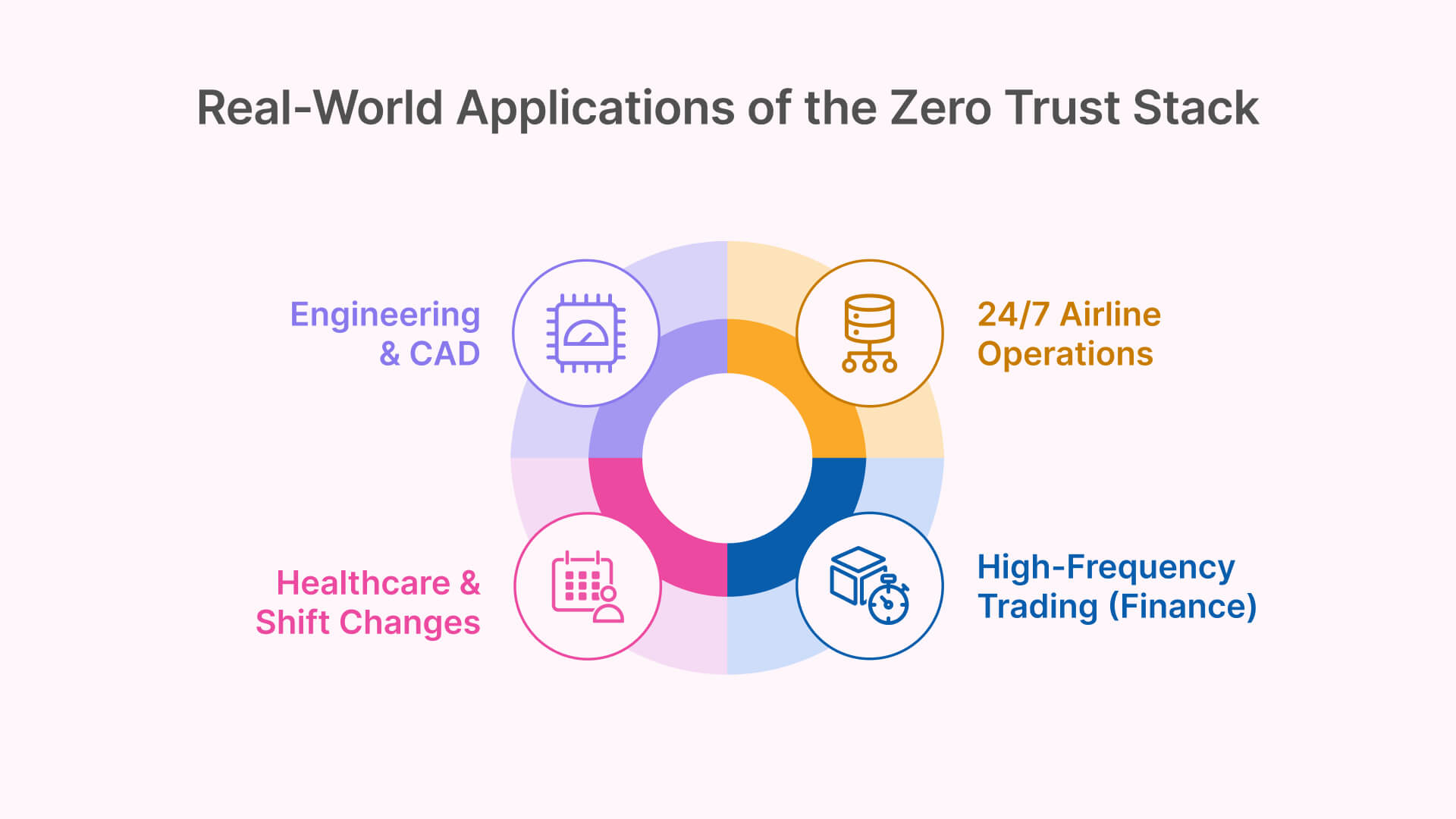
- 🏥 Healthcare: Medical facilities use this stack to give doctors and nurses secure access to Electronic Health Records (EHR) from home. Crucially, Thales STA’s Grid Authentication is a game-changer here—it allows staff to authenticate in sterile areas where mobile phones (and thus push notifications) are prohibited.
- 💰 Financial Services: Banks and trading firms leverage this for remote access to core banking apps. The support for hardware tokens in STA meets strict regulatory MFA requirements, while Thinfinity provides a secure window into the data without the data ever leaving the data center.
- 🏭 Manufacturing: Industrial clients use it to publish heavy engineering apps (CAD, PLM, MES) to contractors. Because it is a zero-client solution, external engineers can access specialized software from any device without installing heavy VPN clients or plugins.
- 🏛️ Government: Agencies leverage FedRAMP-authorized OCI regions combined with Thinfinity’s session recording and STA’s FIPS 140-2 certified authenticators to meet the stringent security requirements necessary for classified or sensitive systems.
Best Practices for Deployment
If you are setting this up, here is your “Cheat Sheet” for success:
- Standardize on SAML 2.0: While OIDC is modern, SAML 2.0 is the battle-tested standard for VDI federation. It is robust and supports rich attribute mapping.
- Don’t terminate SSL at the Gateway: Let the OCI Load Balancer handle the HTTPS encryption. It relieves the pressure on your Thinfinity servers.
- Map Attributes: Don’t create users manually in Thinfinity. Map the AD_Group attribute from Thales to a Thinfinity Profile. If a user moves from “Engineering” to “Sales” in Active Directory, their VDI access updates automatically next time they log in.
- Geo-Blocking: Use Thales STA policies to immediately drop any connection attempts from countries where you have no employees.