
How Micro-Segmentation and Outbound Connectivity Redefine Security & Compliance with Thinfinity
For years, the VDI industry has marketed MFA as the silver bullet for Zero Trust. But CISOs, security architects, and compliance teams now know the truth:
MFA protects identities. It does not protect networks, workloads, or blast radius.
In 2026 and beyond, true Zero-Trust VDI architectures must go far beyond MFA, embracing micro-segmentation, least-privilege network access, and outbound-only connectivity. This is precisely where Thinfinity Workspace fundamentally diverges from legacy VDI stacks like Citrix and VMware Horizon.
This article explains why MFA-centric Zero Trust is insufficient, and how Thinfinity’s agent-based, outbound-only architecture enables a cleaner, more compliant, and more secure VDI deployment model.
The Core Problem: Legacy VDI Still Trusts the Network
Most traditional VDI environments were designed with implicit trust assumptions:
- Open inbound ports (1494, 2598, 3389, 5900)
- Flat or semi-flat internal networks
- Network-level reachability between brokers, gateways, desktops, and apps
- Security controls bolted on after connectivity is established
Even when you add MFA, ZTNA branding, or reverse proxies, the underlying reality remains:
👉 Once a session is established, lateral movement is often still possible.
This is why compliance frameworks like NIST 800-207, ISO 27001, and Zero Trust maturity models increasingly emphasize micro-segmentation and workload isolation, not just identity controls.
Zero-Trust VDI: Beyond MFA, Toward Micro-Segmentation
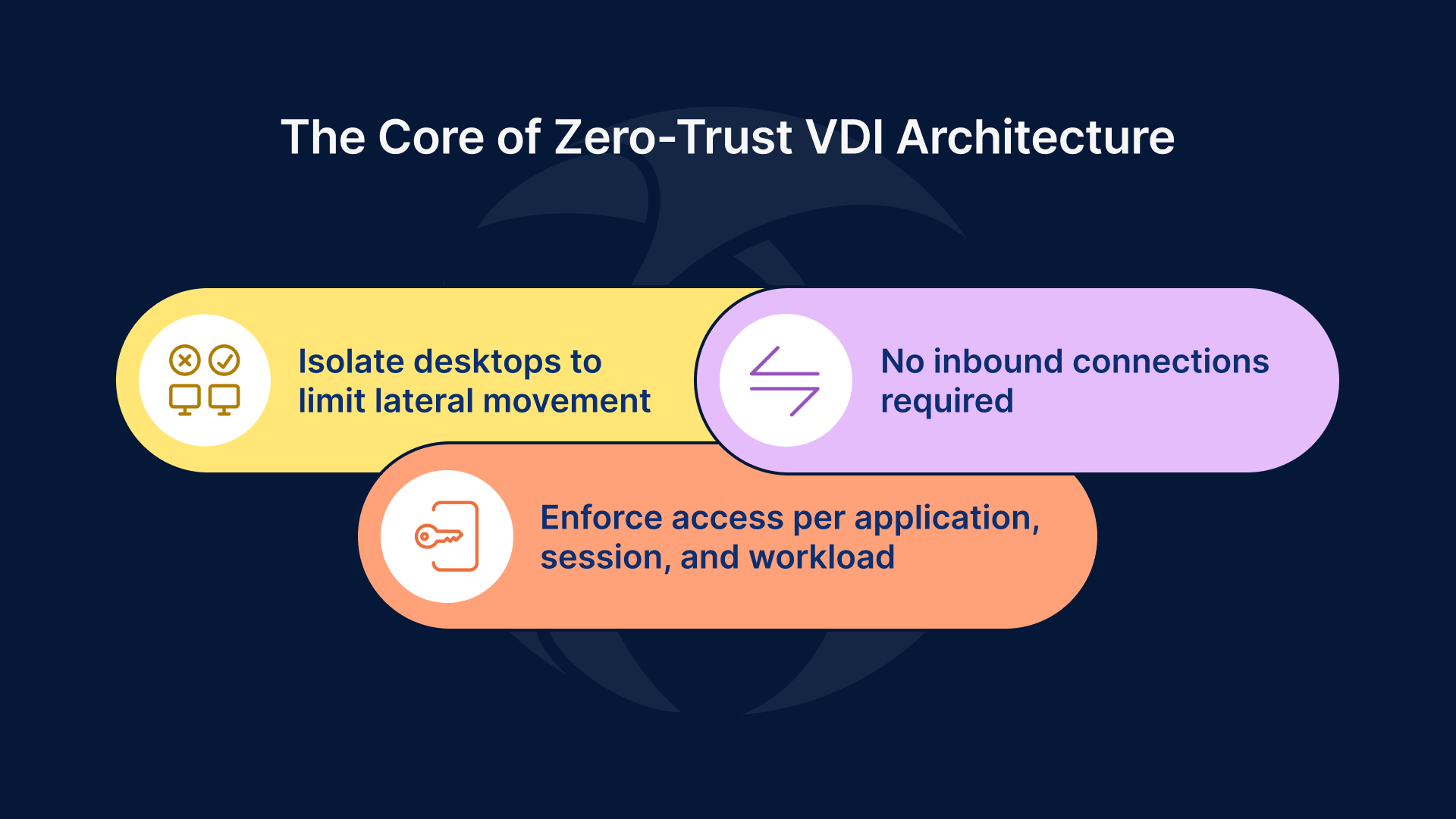
A real Zero-Trust VDI architecture must answer three non-negotiable questions:
- Can a compromised desktop reach anything else on the network?
- Can sessions exist without inbound connectivity?
- Is access enforced per application, per session, and per workload?
Thinfinity answers yes—by design.
Thinfinity’s Architectural Advantage: Agent-Based Micro-Segmentation
Thinfinity Agents: Security Enforcement at the Workload Layer
Thinfinity Workspace uses lightweight agents installed directly on VDI hosts, RDS servers, and application servers. These agents are not just connectivity components—they are policy enforcement points.
Each agent:
- Establishes outbound-only encrypted connections
- Is bound to specific applications, desktops, or services
- Operates independently from other agents on the same network
This creates natural micro-segmentation without relying on:
- VLAN sprawl
- Complex firewall matrices
- Overlay networking
- SDN re-architecture
Every VDI workload becomes its own security island.
Outbound-Only Connectivity: Eliminating the Attack Surface
No Inbound Ports. No Public Exposure. No Exceptions.
One of Thinfinity’s most critical Zero-Trust differentiators is strict outbound connectivity.
- ❌ No inbound firewall rules to desktops or app servers
- ❌ No exposed brokers or gateways inside the LAN
- ❌ No east-west trust assumptions
Instead:
- Agents initiate outbound TLS connections to the Thinfinity Broker or Cloud Gateway
- Network firewalls default to deny-all inbound
- Attack surface is reduced to zero externally reachable endpoints
From a compliance and risk standpoint, this is transformative.
Micro-Segmentation Without Network Complexity
Traditional micro-segmentation often fails because it is:
- Operationally expensive
- Network-centric instead of workload-centric
- Difficult to audit and maintain
Thinfinity flips the model.
Micro-Segmentation at the Application Layer
With Thinfinity:
- A single Windows host can run multiple isolated application agents
- Each application has:
- Its own access policy
- Its own authentication chain
- Its own connectivity context
If one application or session is compromised:
- It cannot discover the network
- It cannot pivot laterally
- It cannot enumerate other workloads
This aligns perfectly with Zero-Trust principles of blast-radius containment.
Network Policies That Actually Enforce Least Privilege
Traditional VDI Network Policy (Broken Model)
- “If you’re on the VDI subnet, you can reach X”
- “If the broker trusts you, the network trusts you”
Thinfinity Network Policy (Zero-Trust Model)
- No network visibility by default
- Access is application-scoped, not network-scoped
- Connectivity exists only while the session is active
In practice:
- VDI desktops do not require access to internal subnets
- Applications do not need bidirectional trust
- Compliance teams can audit access per application, per user, per session
Why This Matters for Security & Compliance
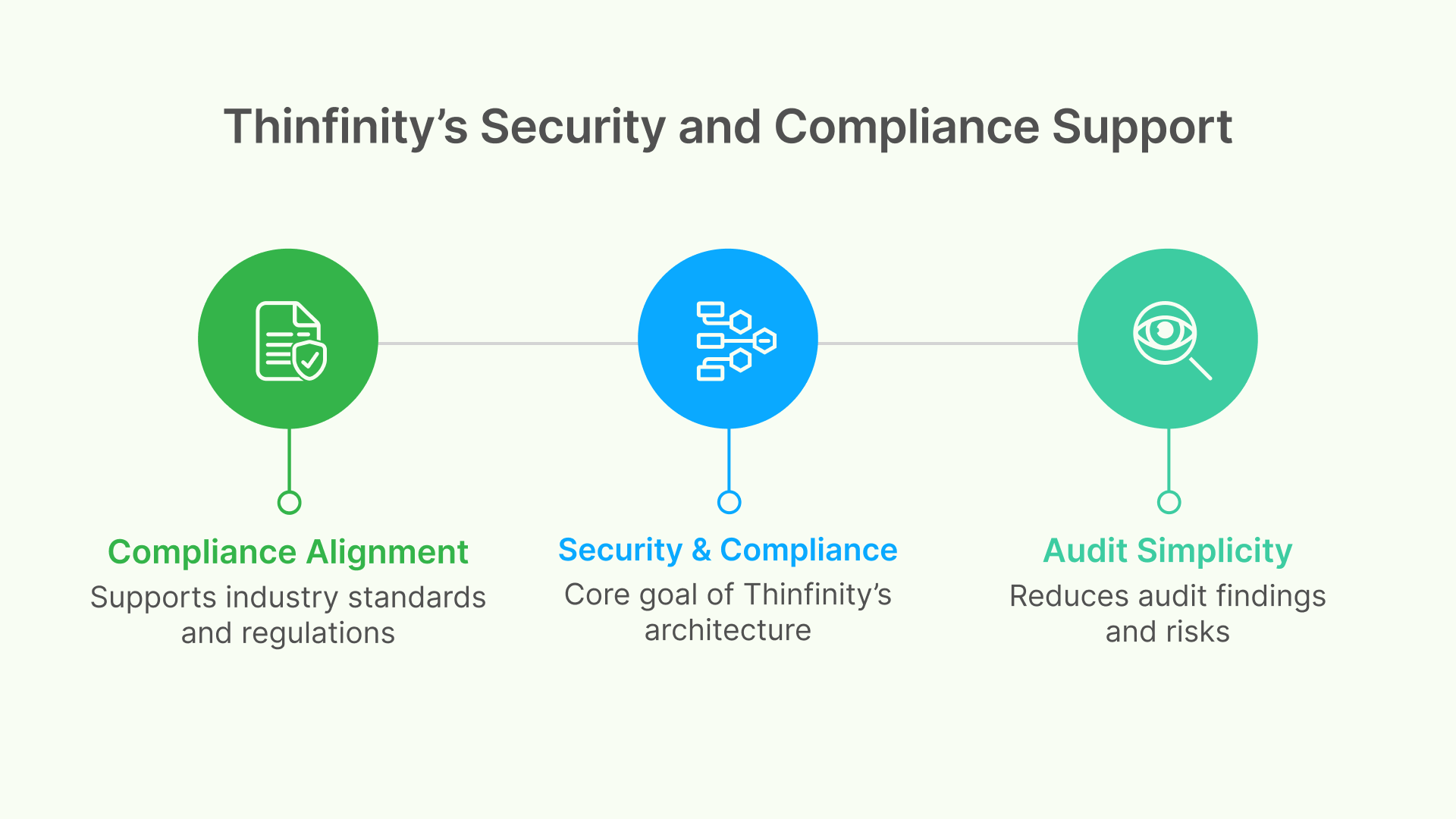
Compliance Alignment
Thinfinity’s architecture directly supports:
- NIST SP 800-207 (Zero Trust Architecture)
- ISO 27001 (least privilege, network segregation)
- SOC 2 (logical access controls, session isolation)
- HIPAA / GDPR (minimized exposure, controlled access paths)
Audit Simplicity
Auditors care about:
- Attack surface
- Lateral movement risk
- Inbound exposure
- Session isolation
Thinfinity removes entire categories of audit findings:
- No open inbound ports
- No shared trust zones
- No persistent network access
Why “ZTNA Wrappers” Are Not Enough
Many vendors claim Zero Trust by:
- Putting MFA in front of a legacy gateway
- Wrapping VDI with an external ZTNA service
- Leaving the internal architecture unchanged
This creates Zero Trust at the front door, but implicit trust inside the house.
Thinfinity is different:
- Zero Trust is enforced inside the infrastructure
- Security controls exist where the workload lives
- Trust is never assumed—not even internally
The Bottom Line: Zero-Trust VDI Must Be Architectural, Not Cosmetic
If your VDI security strategy relies primarily on:
- MFA
- VPN replacement messaging
- Network-level segmentation alone
You are not operating a true Zero-Trust VDI environment.
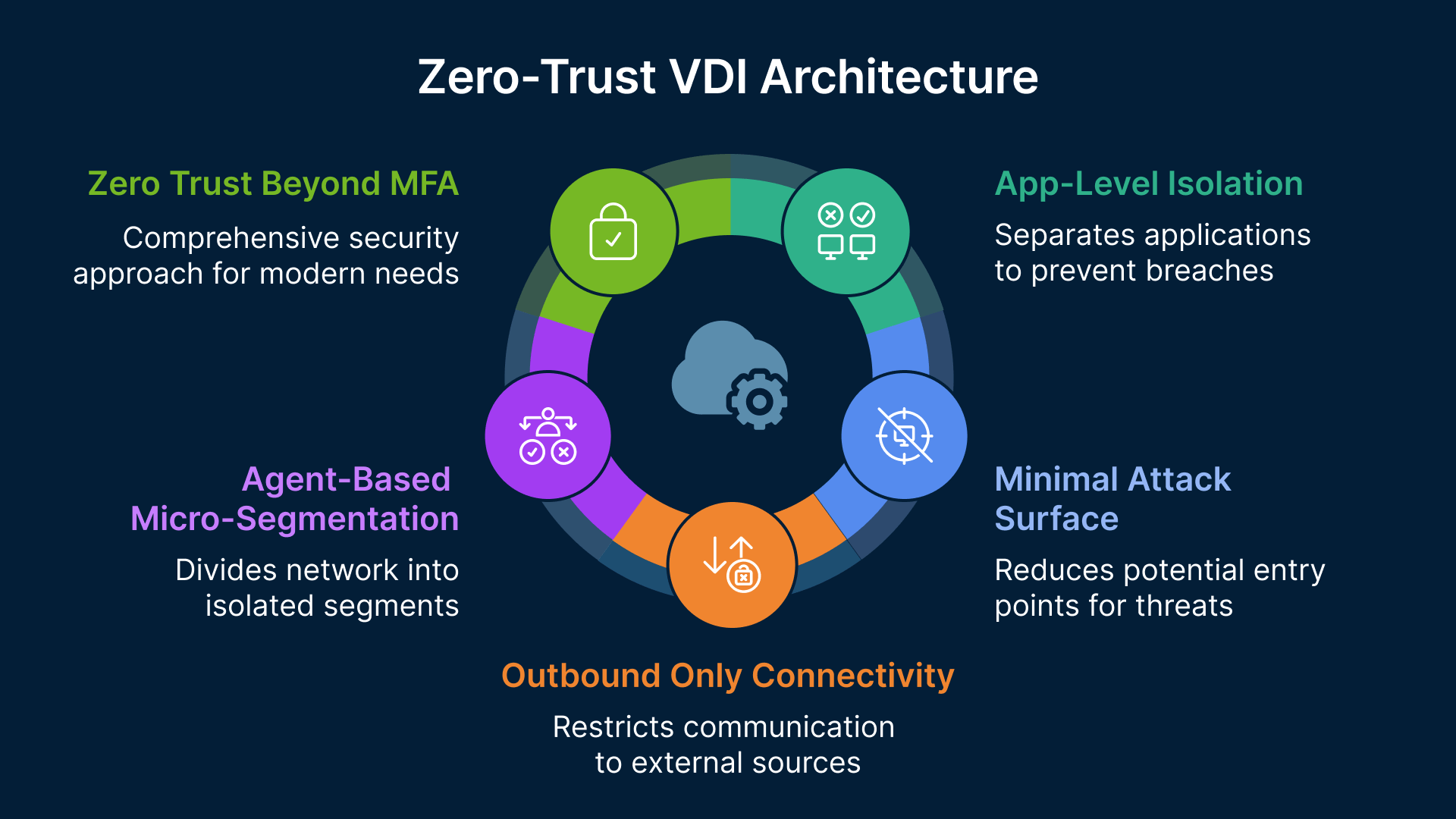
Thinfinity Workspace delivers:
- Agent-based micro-segmentation
- Outbound-only connectivity
- Application-level isolation
- Minimal attack surface by default
This is Zero Trust beyond MFA—designed for modern security and real compliance.
Final Thought for CISOs and Architects
In Zero-Trust VDI, the safest network is the one your desktops can’t see.
Thinfinity makes that the default.